
Security · how it’s designed
How your key works.
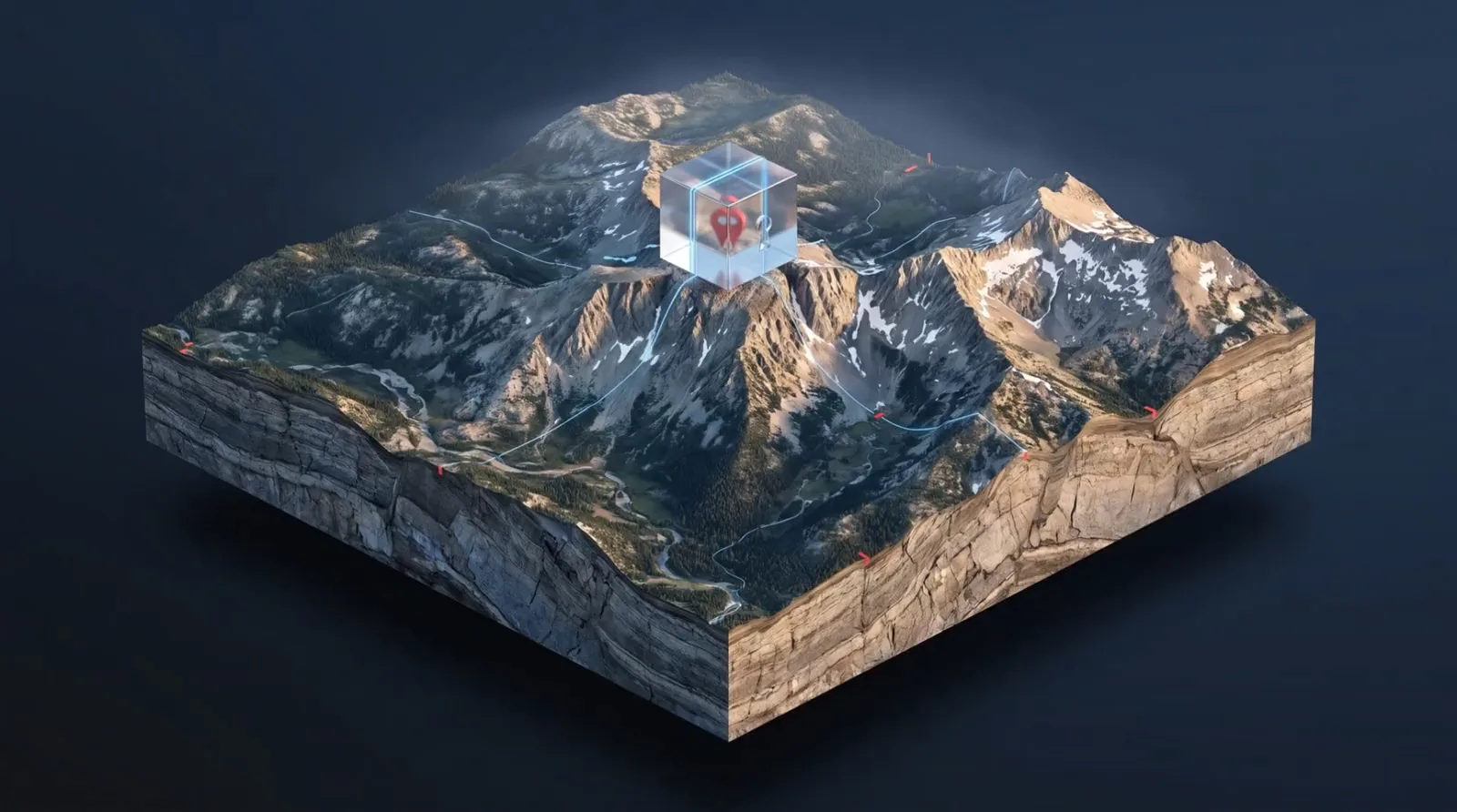
Massif is built so your spots are readable on your phone and nowhere else. This page explains how, what our servers do see, and what happens when something goes wrong.
This page describes how Massif works today. We update it whenever that changes.
The key
Five steps, all on your phone.
Your phone makes the key.
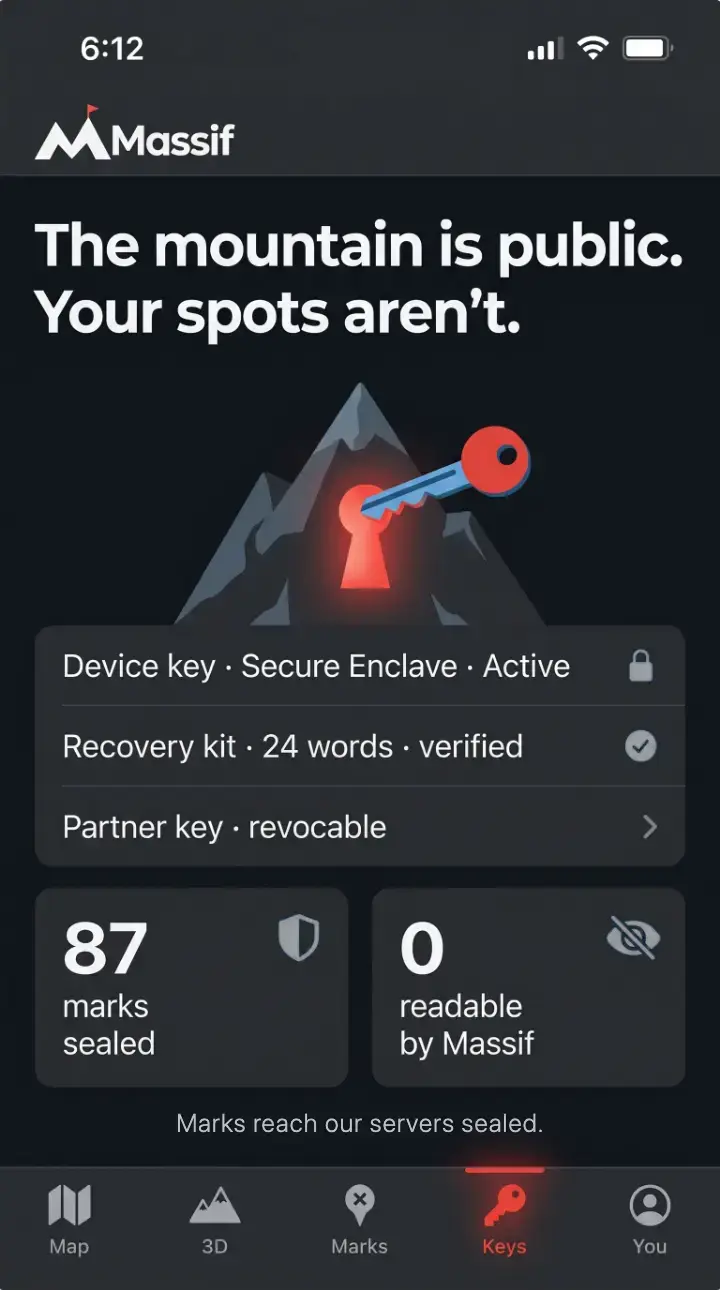
When you set up Massif, your phone makes a device key in its secure hardware. On iPhone that’s the Secure Enclave. On Android it’s StrongBox, or the hardware-backed keystore on phones without it. That hardware is built so the key can’t be copied out, by you, by another app or by us.
Every mark gets its own key.
Your phone encrypts each pin, track, note and photo with its own AES-256-GCM key. Your device key locks those mark keys, so one mark key opens one mark.
A second copy is locked to your recovery kit.
At setup your phone shows you 24 words, and it locks a second copy of every mark key to them. The phone stores a lock that the words open. It doesn’t store the words. If you add a hardware key, a third copy is locked to it.
Marks are sealed before they sync.
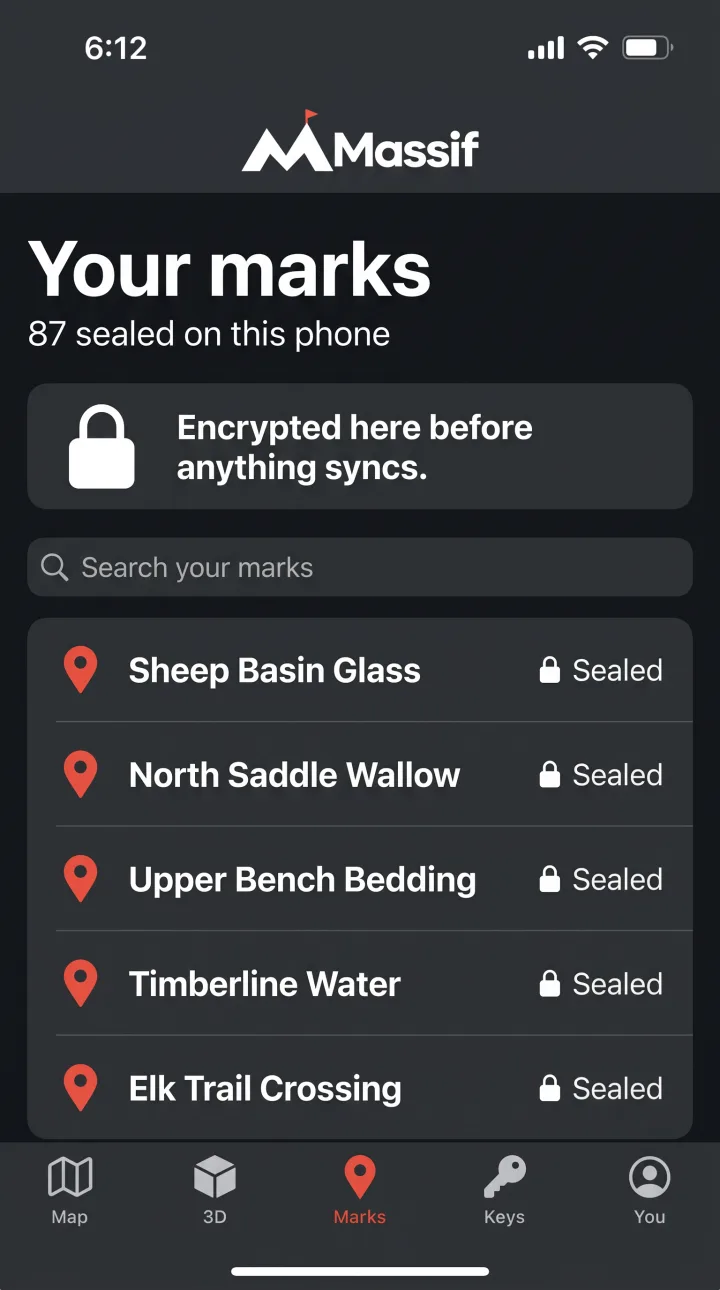
Encryption happens on the phone. What leaves it is the sealed mark and its locked keys, with the size and the time it synced.
Opening a mark happens on the phone.
To show a mark, your phone uses the device key to unlock that mark’s key, then decrypts it in place. The readable version never goes to our servers.
What our servers see
What our servers hold.
Our servers store what sync, recovery and sharing need. Here is what they hold, including the parts that aren’t encrypted.
Zero-knowledge here means our servers can’t read what your marks say or where they are. They do see the records below.
Stored on our servers
- Sealed marks: your pins, tracks, notes and photos as ciphertext
- Locked mark keys, which only your device key, recovery kit or hardware key can open
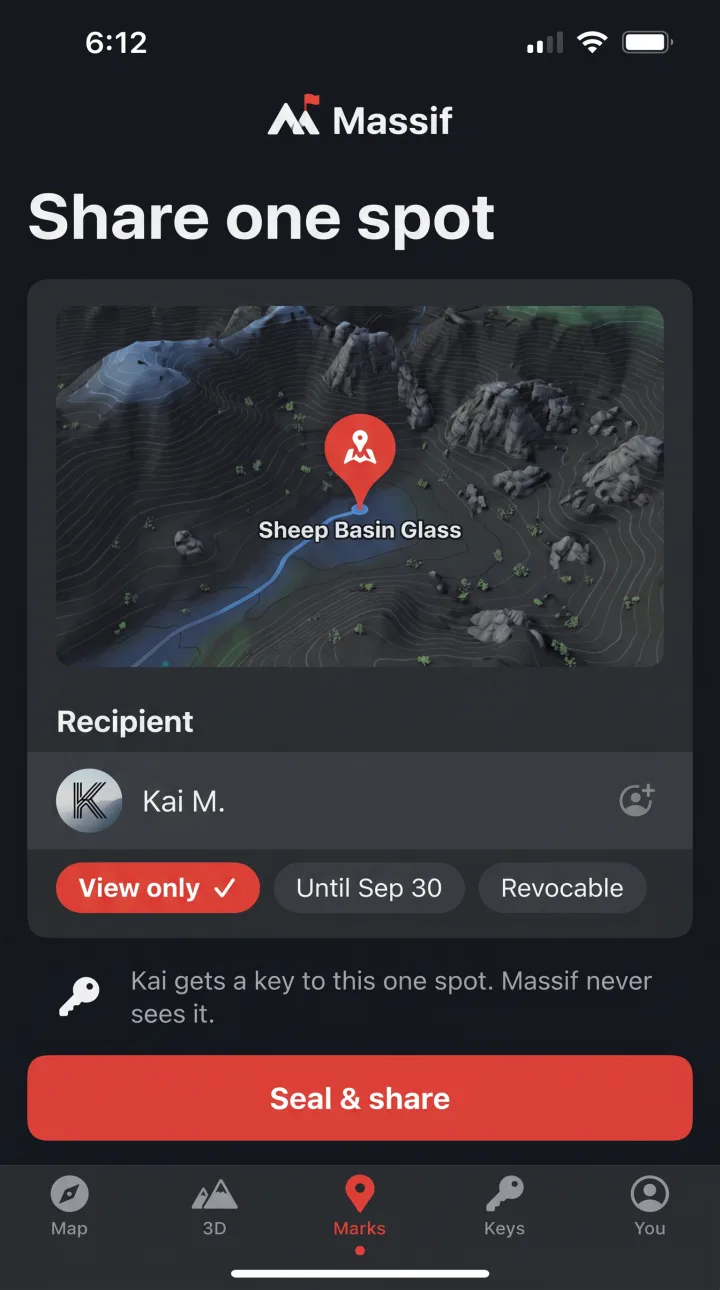
- Locked copies of shared mark keys, readable only by the person you shared with
- Your public keys, which let your phone and other people lock keys to you. They can’t open anything.
- The size of each item and the time it synced
- Your account: an account ID and the email you sign in with
- Share records: which sealed mark you shared with which account, when, and until when
- A push token for your phone, so new shares and synced changes reach it
- Connection details such as your IP address when your phone syncs, as with any internet service
Never on our servers
- Readable coordinates, names or notes
- Readable photos, tracks or routes
- Your device key
- Your 24 words
- Any unlocked key, or anything that can unlock one
Recovery
There is no back door.
Your key lives on your phone, so you need a way back in if the phone is lost. Massif gives you two.
24-word recovery kit
Your phone shows you 24 words once, at setup. Write them down and keep them somewhere safe and offline. On a new phone, the words open the second copy of your mark keys, and that phone makes its own device key. Anyone who has the words can do the same, so guard them like the key itself.
Hardware security key (optional)
Register a FIDO2 hardware key and your phone locks a third copy of your mark keys to it. On a new phone, the hardware key can open your marks without the words.
Massif cannot reset or recover a lost key. If you lose your phone and your recovery kit, and you have no hardware key, your marks are gone for good. That’s the cost of a map nobody else can open.
Threat model
If something goes wrong.
Plain answers for the cases hunters ask about, including the ones encryption can’t fix.
| If | What happens |
|---|---|
| What the design protects against | |
| Someone breaks into our servers. | They get sealed marks, locked keys, public keys, sizes, timestamps, account details, share records, push tokens and connection details. Nothing in that opens a mark. |
| Someone demands your data from Massif. | We can hand over only what we hold, and we can’t open your marks. There is no back door to give. |
| Someone watches your connection. | Marks travel sealed inside an encrypted connection. An observer can see that your phone is talking to Massif, and roughly how much. |
| You lose your phone. | Restore on a new phone with your 24 words or your hardware key. The new phone makes its own device key. |
| A share expires or you revoke it. | Massif stops delivering that mark to them, and your phone re-seals it under a new key, so later changes stay out of their reach. |
| What it can’t protect against | |
| You lose your phone and your 24 words, with no hardware key. | Your marks can’t be recovered. There is no back door, and we can’t reset your key. |
| Someone gets your 24 words. | They can open every mark, the same as you. Keep the words offline and private. |
| Someone picks up your unlocked phone. | They see what you see. Lock your phone with a strong passcode. |
| Your phone has malware. | Software that controls your phone can see what you see on it. Encryption protects your marks on our servers and on the way there. |
| You attach a photo from your camera roll. | The copy in Massif is sealed. The original in your photo library, and its cloud backup, still carries its location. |
| Someone you shared with already looked. | Ending a share can’t erase what they saw, wrote down or copied. |
| Someone takes over our servers, by break-in or court order, and swaps a key when you share. | They could read marks you share from then on. Your unshared marks stay sealed. |
| You load the map over an area. | The map service sees which area’s tiles your phone asked for, and from which IP address. Your marks are never part of that request. Saving a region at home means fewer live requests in the field. The download itself still shows the region you saved. |
| Someone studies the records around your marks. | Massif can see how many marks you have, their sizes, when they synced, and which accounts you shared with and until when. It can’t see what or where they are. |
| An app update turns bad. | Every protection on this page depends on the app doing what this page says. Massif updates come only from Massif, through Apple’s and Google’s own update channels. |
FAQ
Straight answers.
Can Massif see where I hunt?
Your marks don’t show us. They’re encrypted on your phone before anything syncs, so we never see their coordinates, names or notes. Two things sit outside the encryption. The map tiles your phone downloads show the map service which area you’re viewing. Our servers also see your IP address when your phone syncs. Saving offline regions at home cuts down on live map requests in the field.
Why one key per mark?
So sharing stays narrow. Handing someone the key to one mark opens that mark and nothing else.
What is the recovery kit?
24 words your phone shows you once, during setup. On a new phone, they open your marks so that phone can make its own device key and take over. Anyone with the words can do the same, so keep them private and offline.
What if my Android phone doesn’t have StrongBox?
Massif uses StrongBox when the phone has it. On phones without it, the device key lives in the phone’s hardware-backed keystore, which also keeps the key from being copied out.
Can Massif reset my key if I lose everything?
No. We never hold a key that can open your marks, so there’s nothing for us to reset. That’s what keeps your map private.
Will Massif ever sell my data?
We can’t sell what we can’t read. Your spots reach us only as ciphertext. The invite list is never sold or shared either.
How do I get Massif?
Massif is on iPhone and Android by invitation. Request an invite on the home page and we’ll email you when yours is ready.
The mountain is public. Your spots aren’t.
Massif runs on iPhone and Android, by invitation. Request an invite and we’ll email you when yours is ready.